
The All-in-One AI Rendering Platform for Design
Render, enhance, and edit stunning architectural imagery and video in one intuitive workflow
Start free · then from $19/mo
Render your projects in seconds
From design to render in seconds — create professional visuals without the hassle.
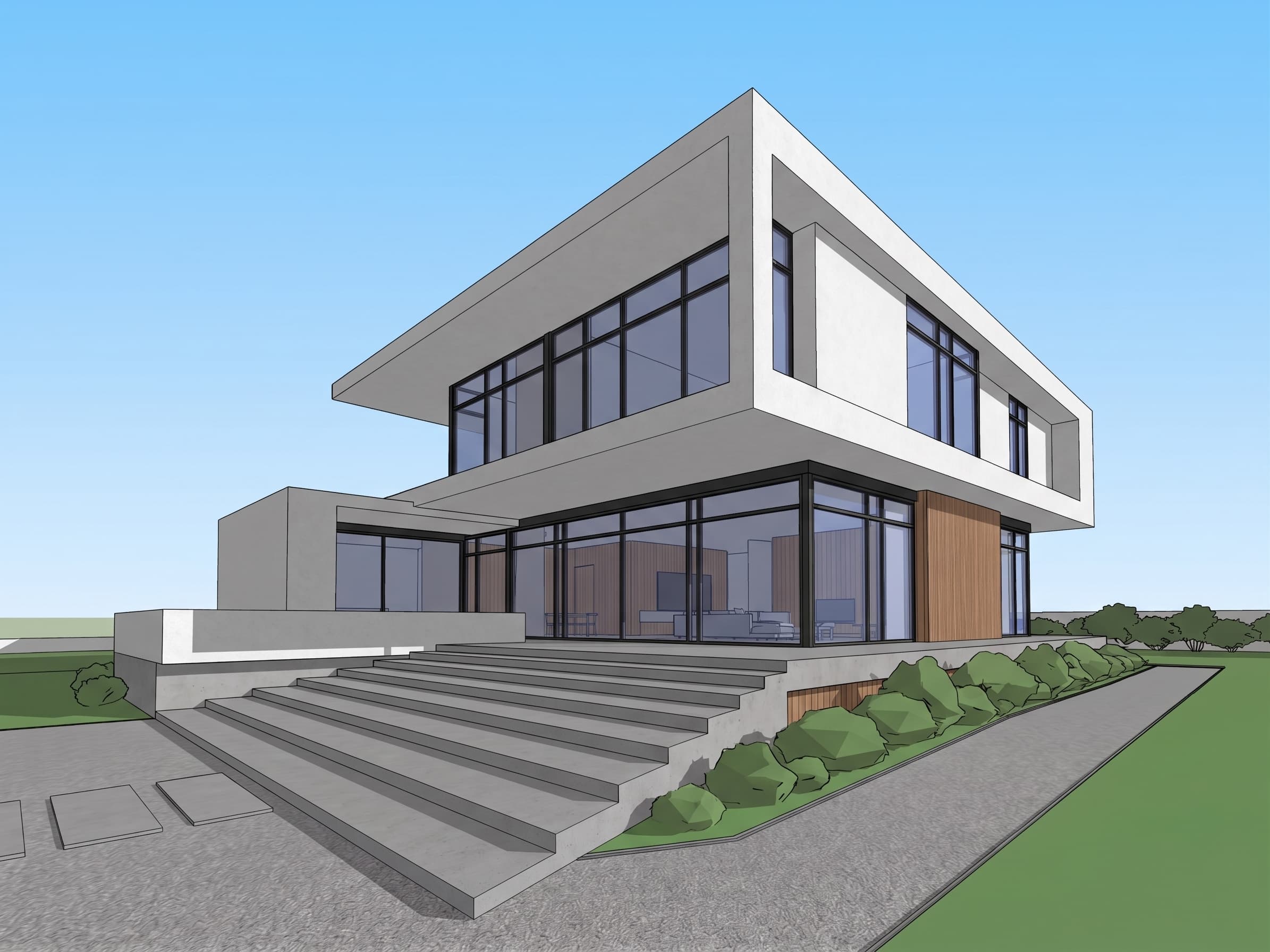
1. Upload your design
Start by uploading an image of a 3D model, hand sketch, or CAD PDF. Our AI handles any format or resolution.
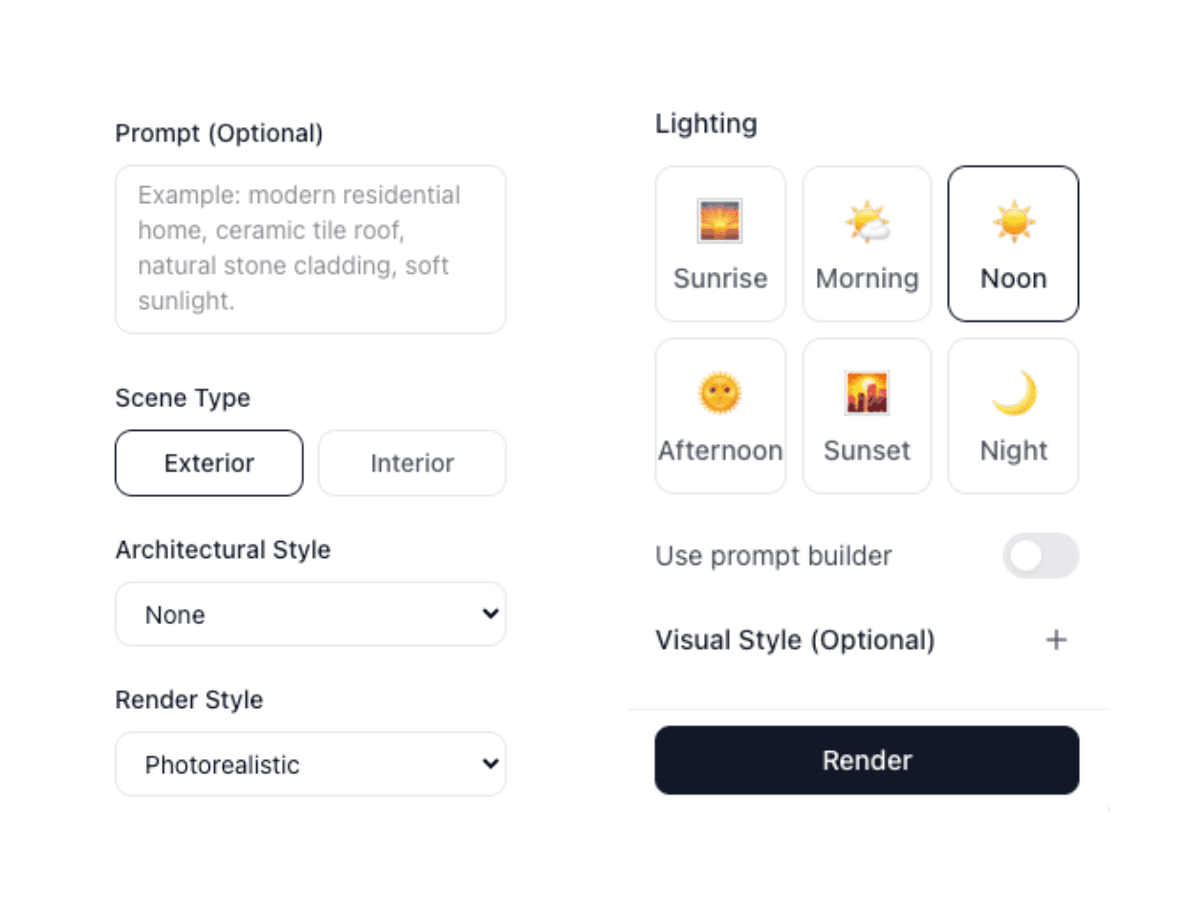
2. Select features and render
Choose from a variety of styles, lighting conditions, and materials. Customize every detail to match your vision.
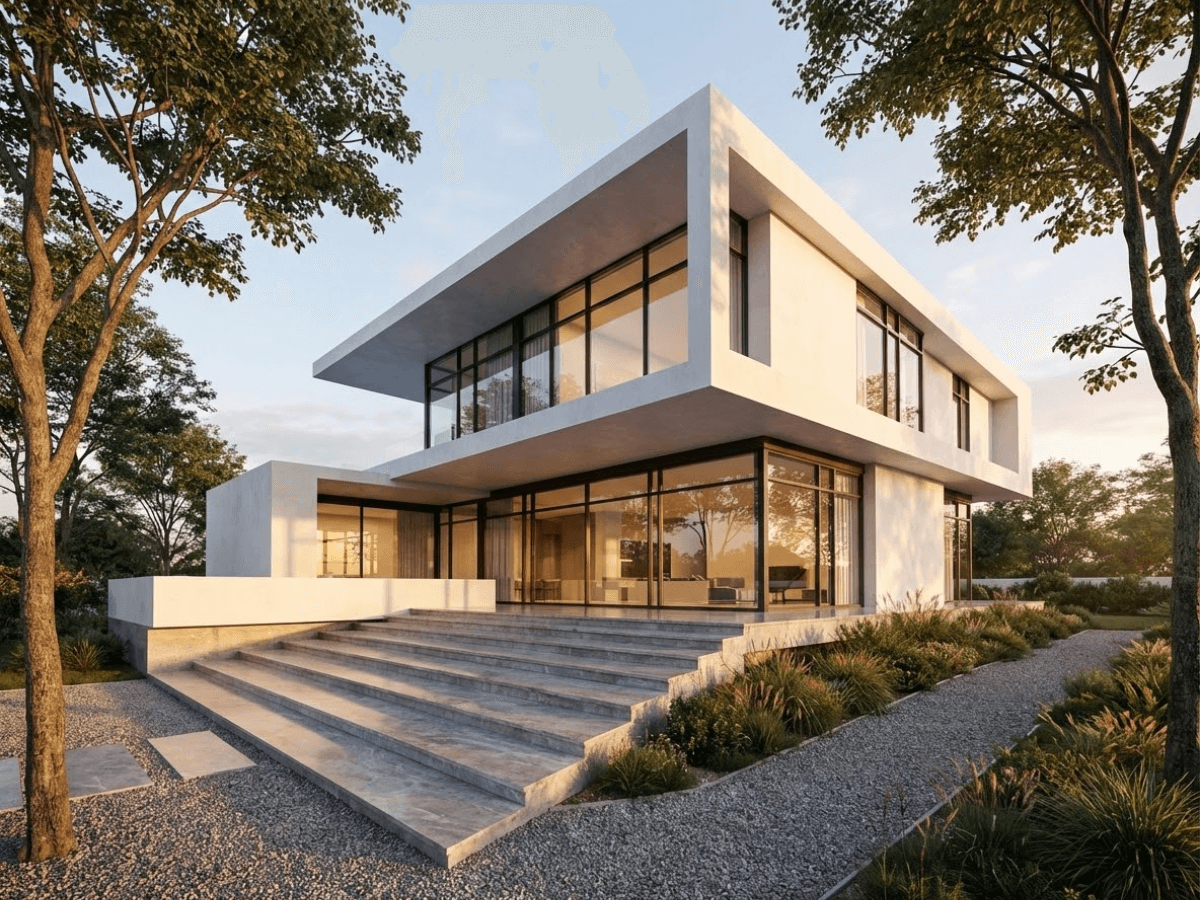
3. Download your render
Get your stunning, photorealistic render in seconds. Export in high resolution ready for presentations.
From sketch to photorealistic render
Upload any hand drawing or sketch and generate multiple photorealistic renders — change time of day, perspective, and style in seconds.
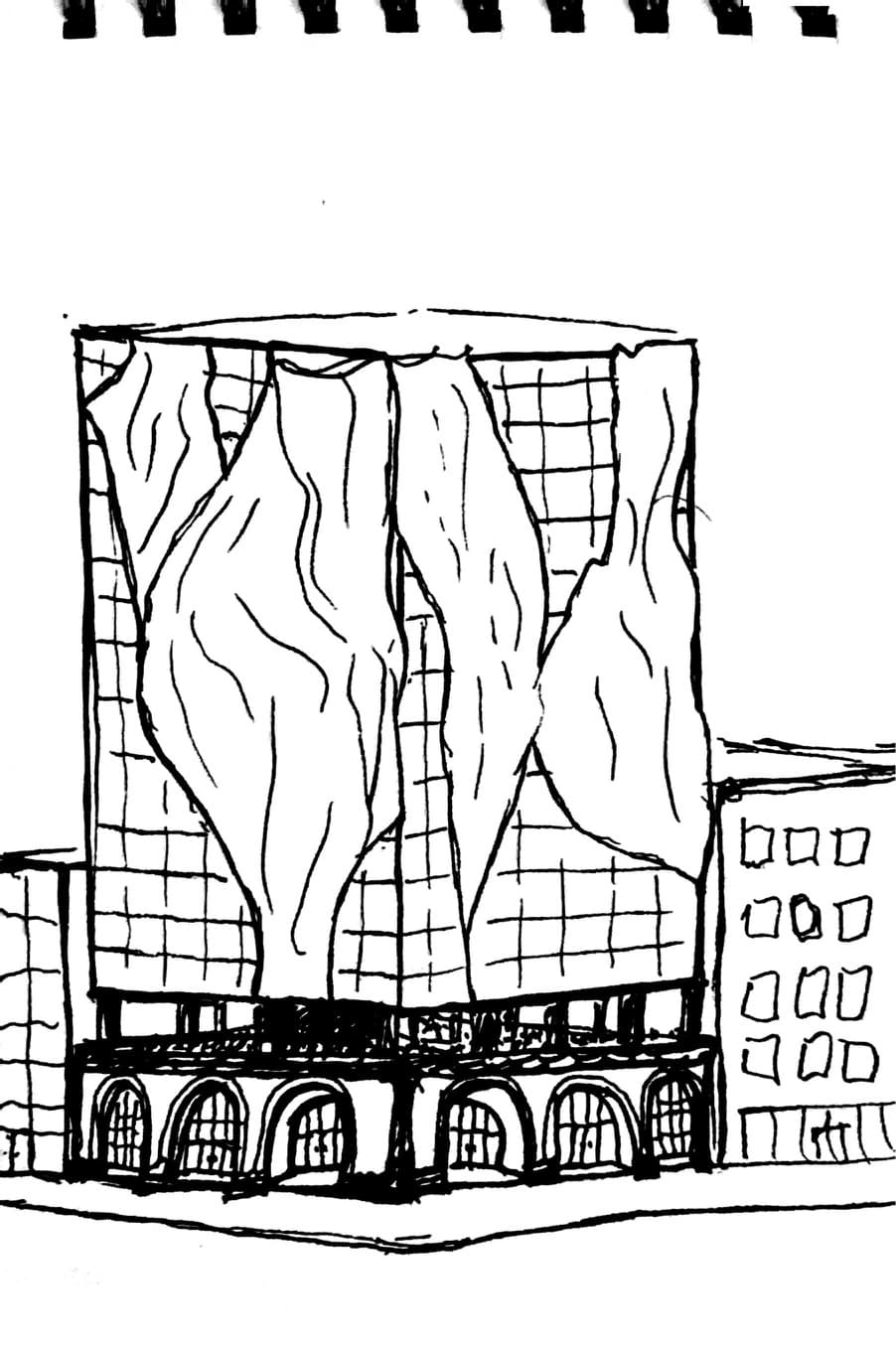
Hand sketch
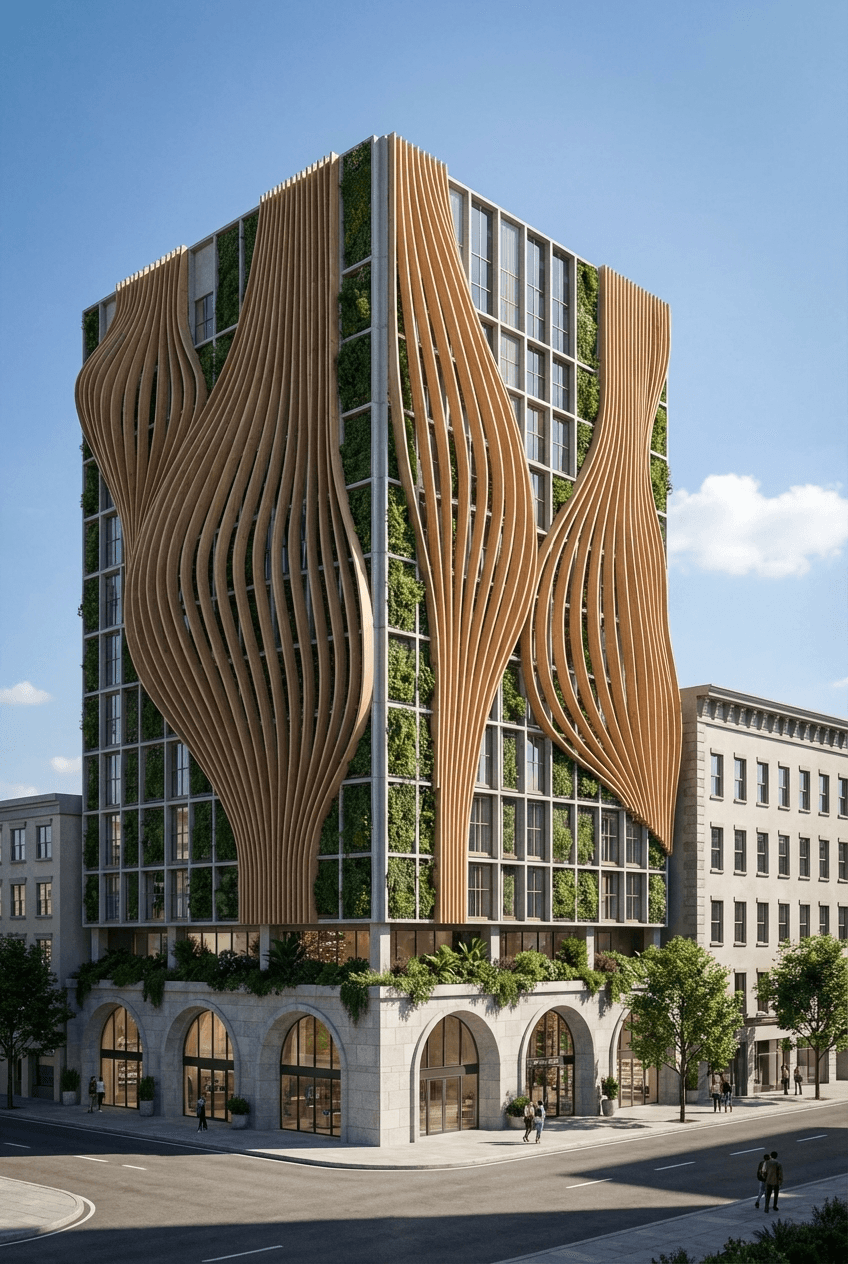
Daytime render
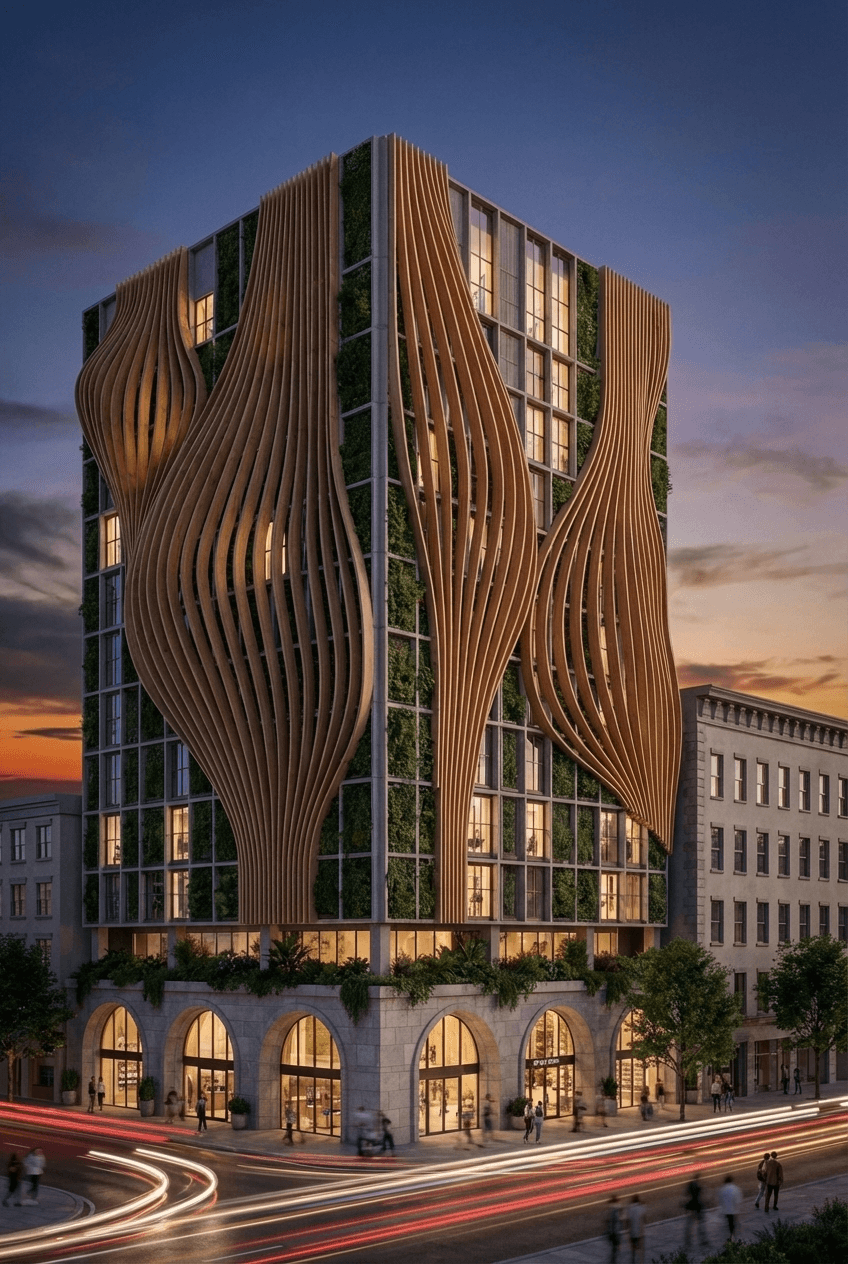
Twilight render
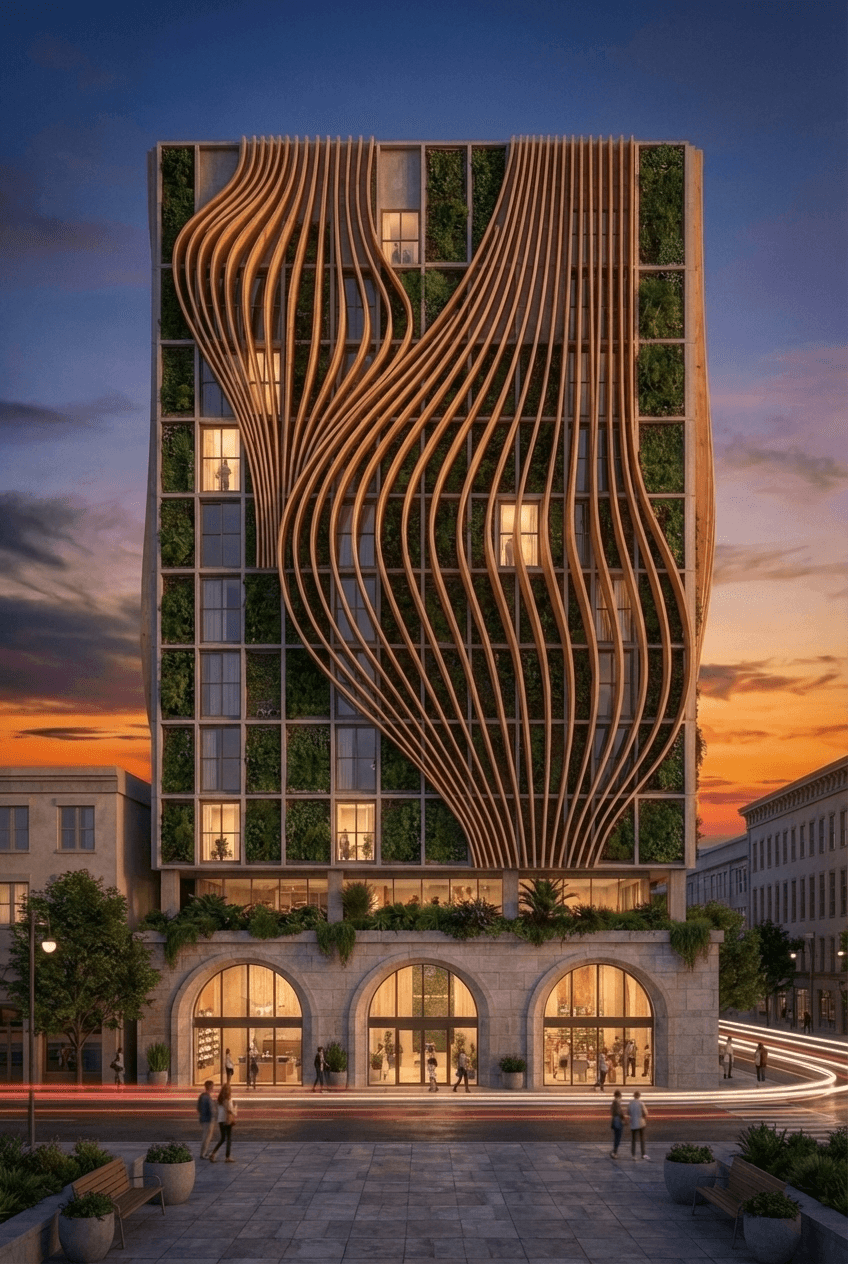
Elevation render
From 3D model to any color
Turn a rough 3D model into a photorealistic render, then recolor a material — like the wall tile — with a single prompt. No re-modeling, no manual editing.
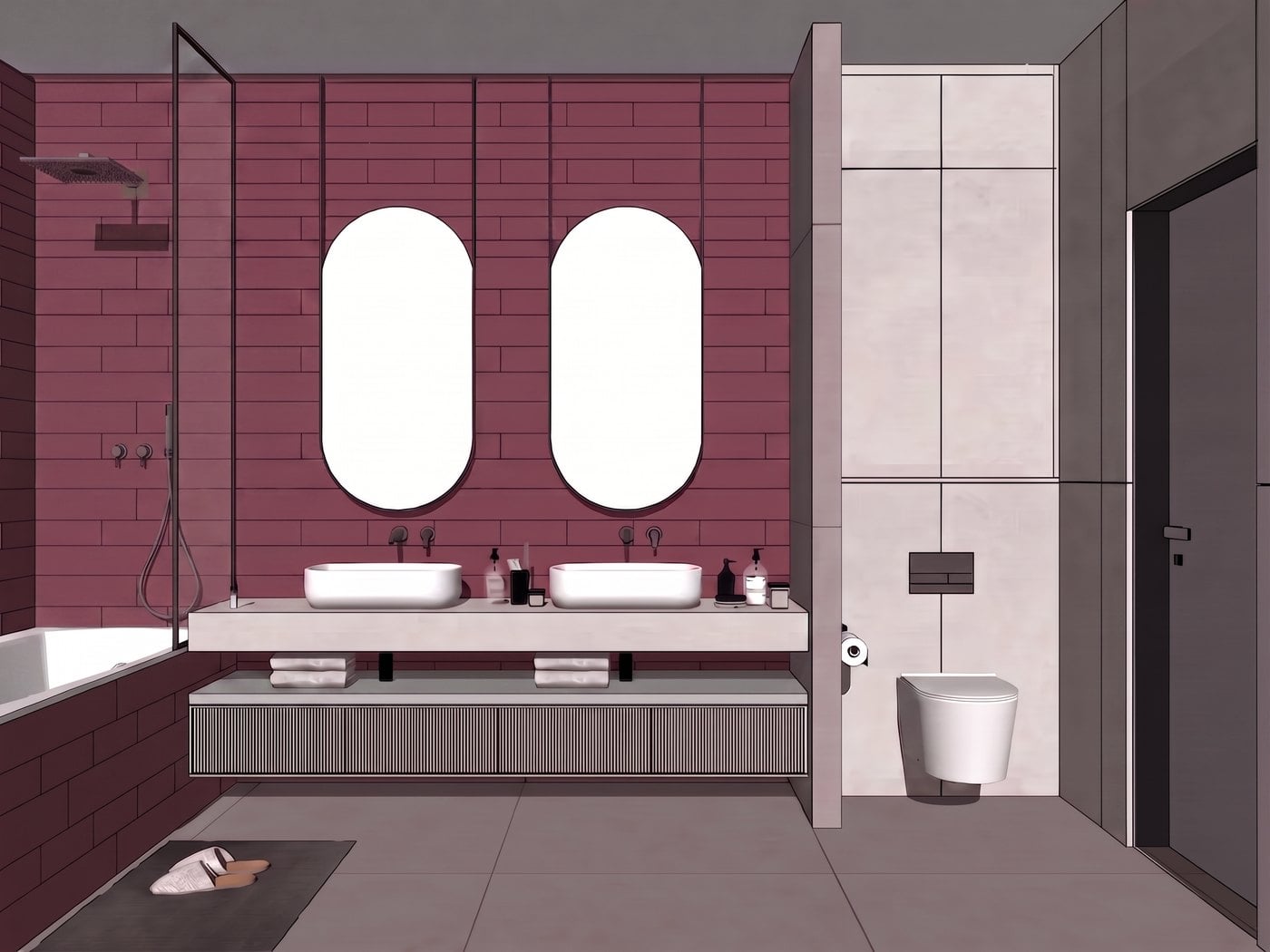
3D model
Start from a rough SketchUp view
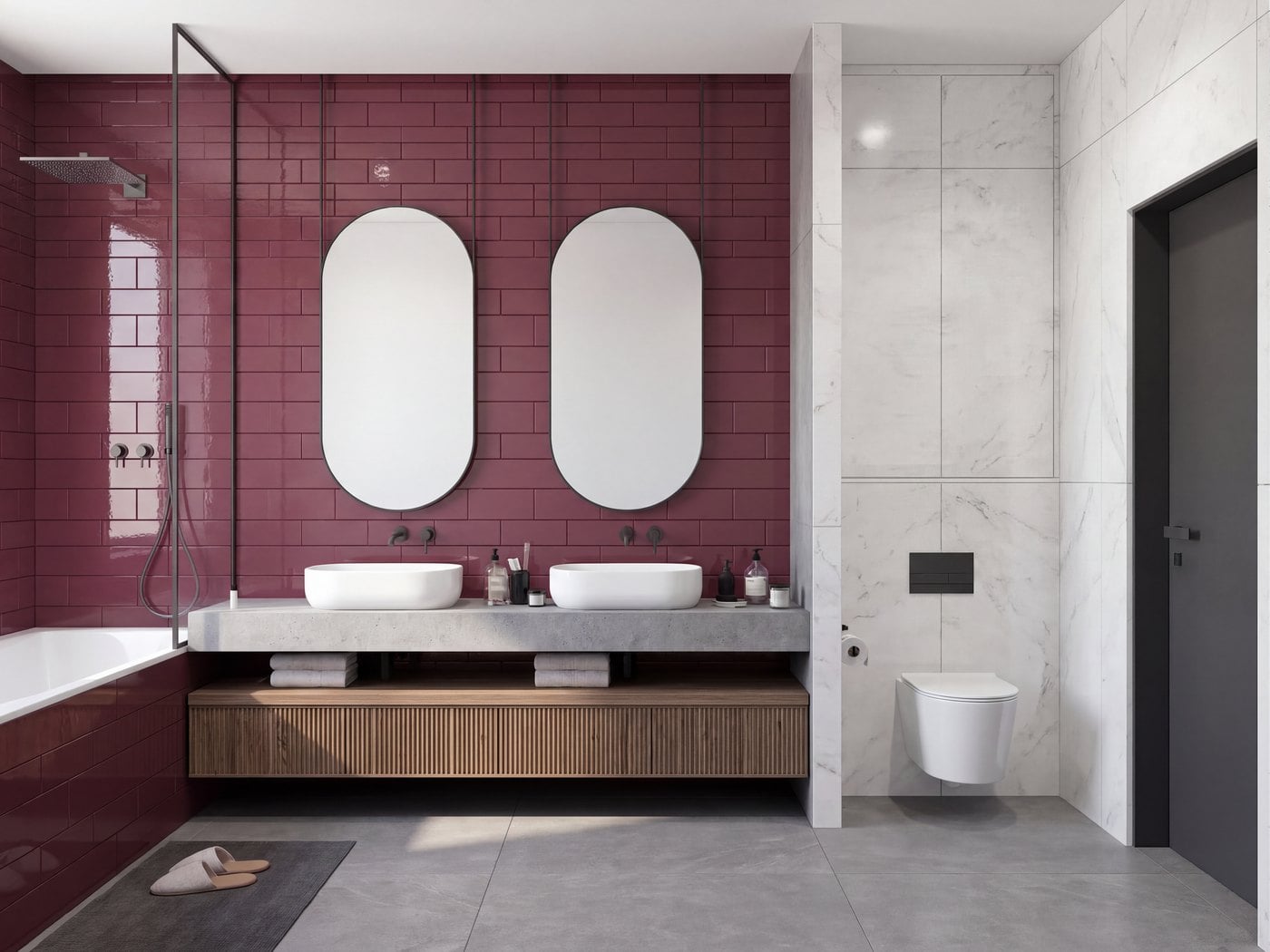
First render
Photorealistic in one click
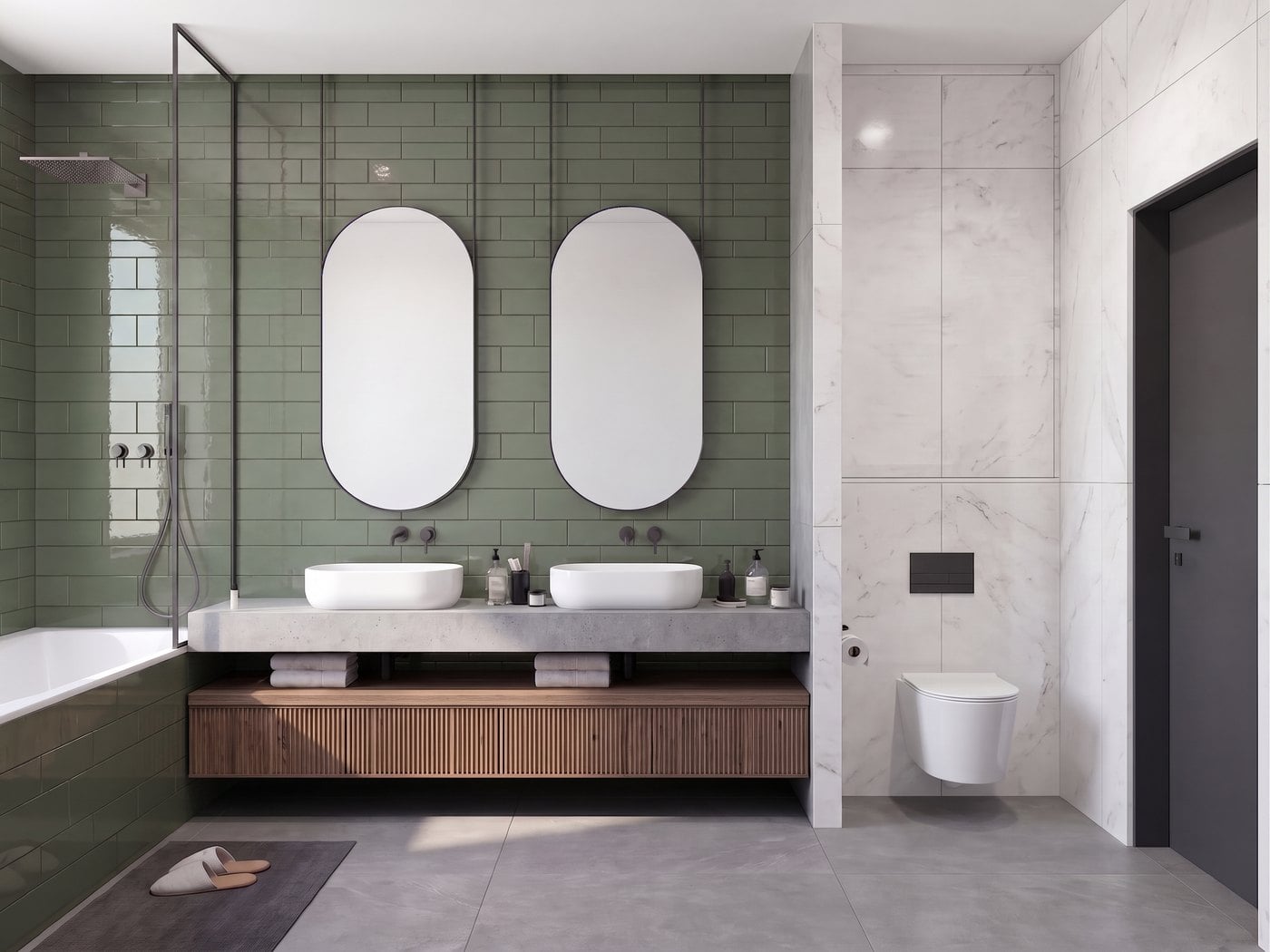
Green tile
Recolor the wall tile with a prompt
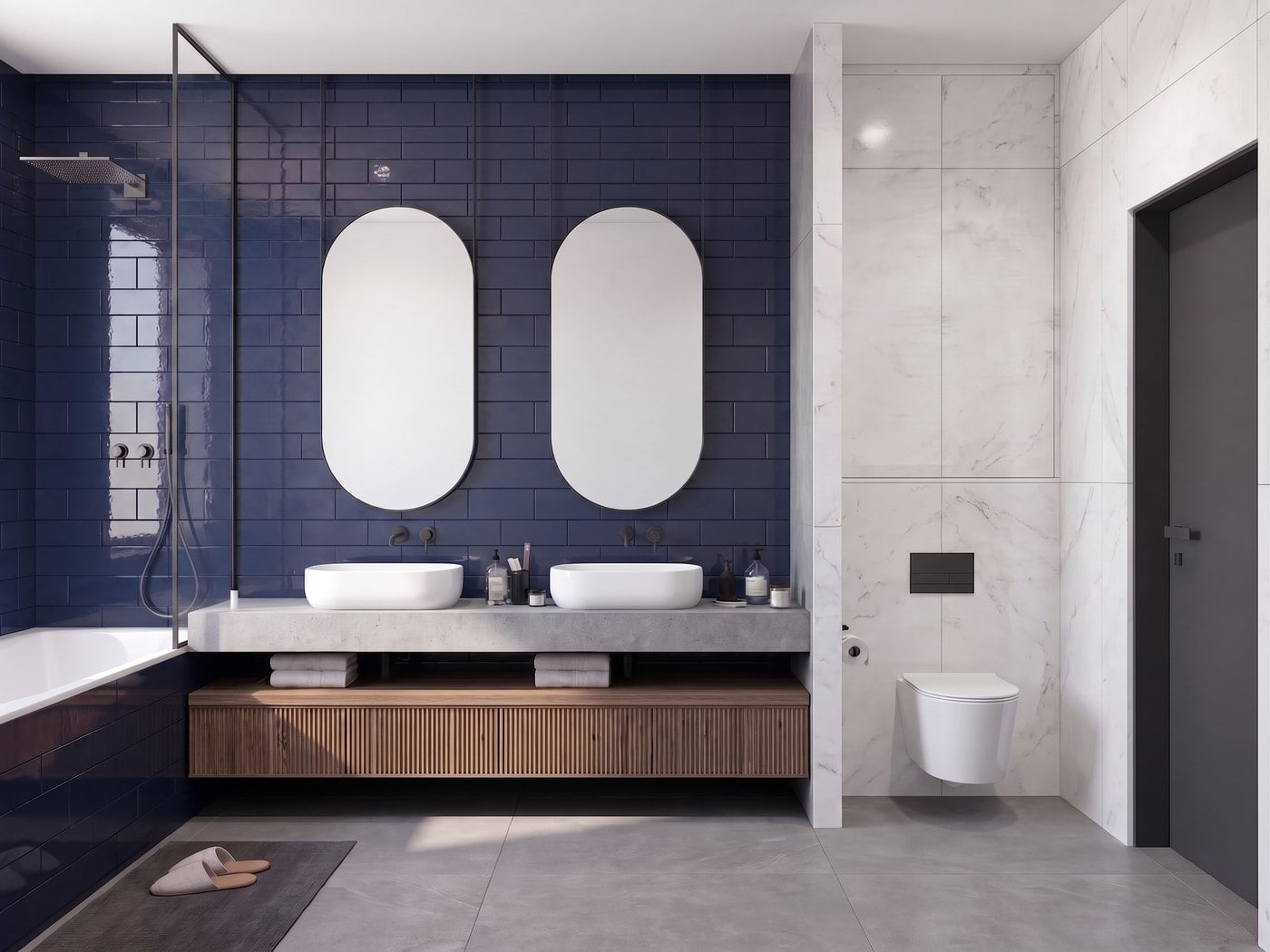
Navy tile
Swap to any color instantly
Change materials and textures with surgical precision
Mark up specific elements, describe the change, and let the AI do the rest — everything else stays untouched.
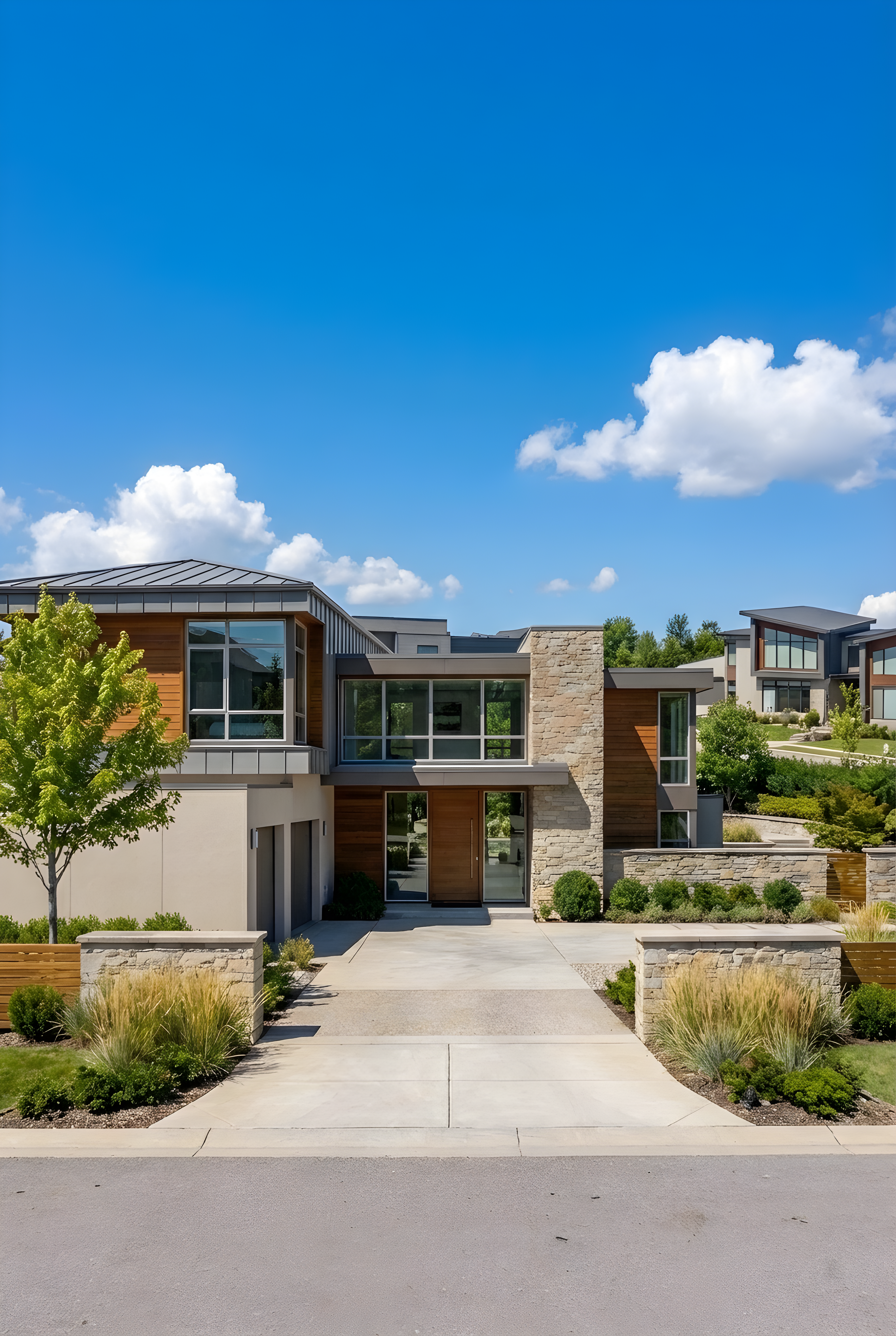
Original render
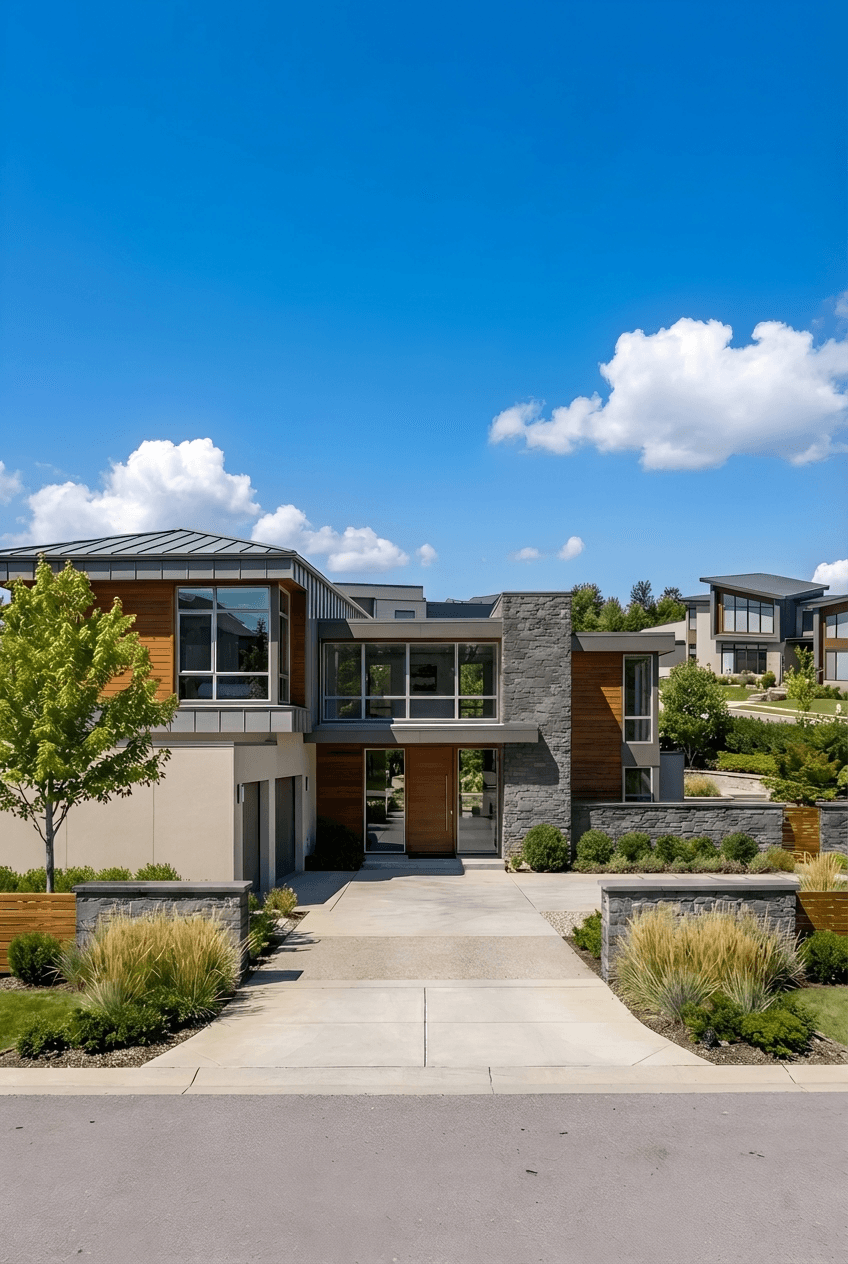
Stone changed to grey
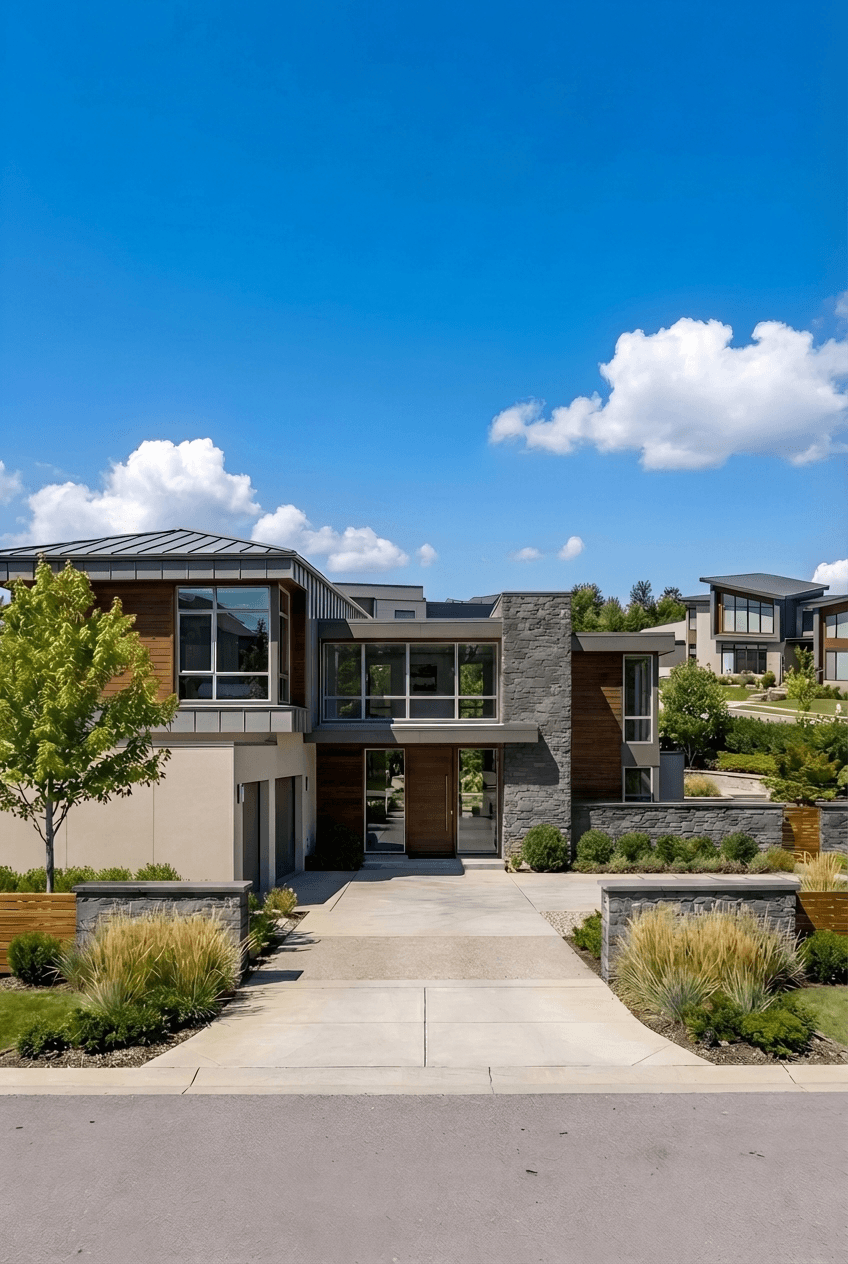
Wood darkened
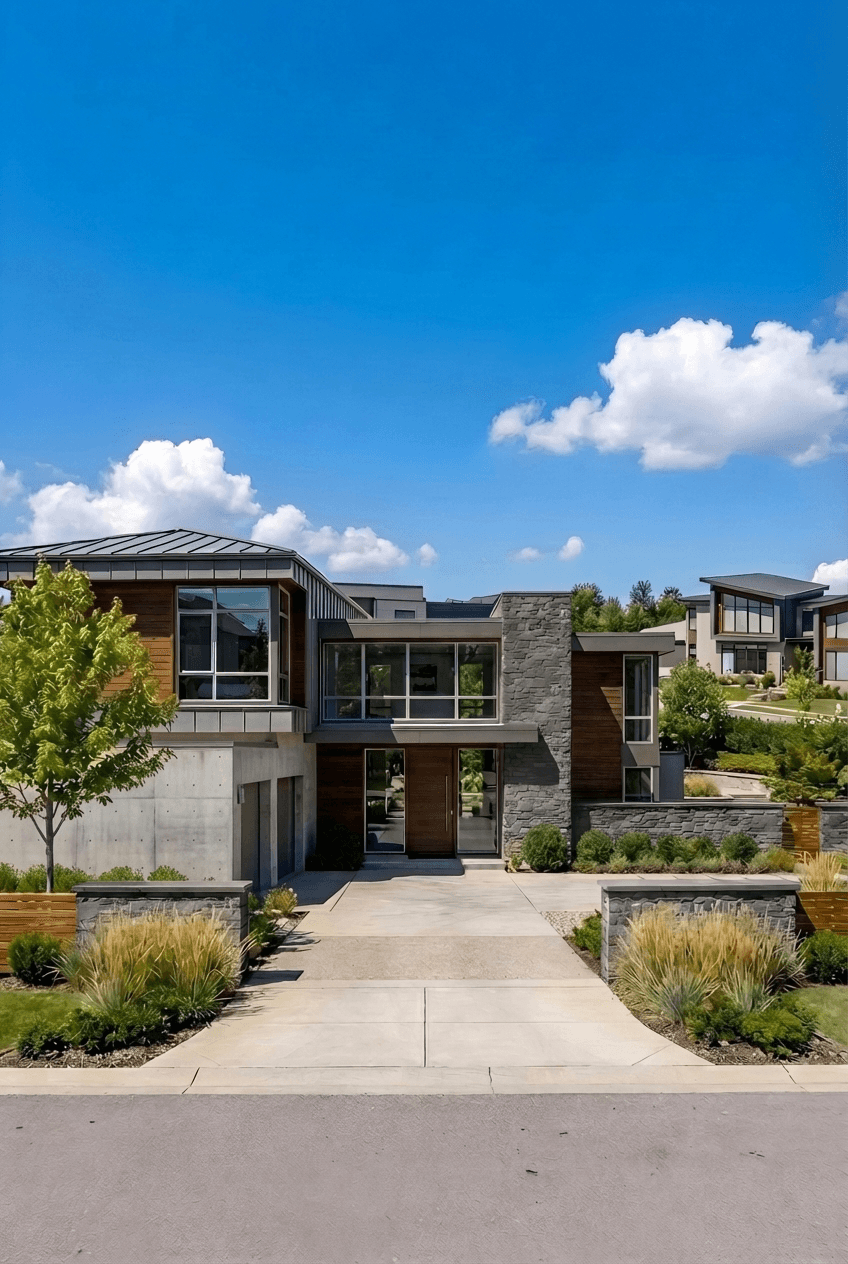
Garage changed to concrete
Precise material changes
Target any surface and swap materials — stone, wood, concrete, glass, and more.
Markup point editing
Click to place markup points on exactly what you want to change, then describe the edit.
Erase unwanted elements
Remove objects, furniture, or details cleanly with the eraser tool.
Draw regions for broad edits
Paint a region over large areas and transform entire zones in one pass.
Upload reference images
Drop in a reference photo to describe the exact texture or finish you want applied.
Transform empty spaces with virtual staging
Upload a photo of any empty room and furnish it instantly — no photographer, no stylist, no delay.
Stage construction photos
Upload actual construction or empty space photos and instantly furnish them to show clients the finished potential.
Real estate marketing
Perfect for listing vacant properties. Show buyers what empty spaces could look like fully furnished.
Client presentations
Help clients visualize the design potential of raw spaces with realistic furniture and decor.
Multiple style options
Try different furniture styles and arrangements to find the perfect look for any space or client preference.
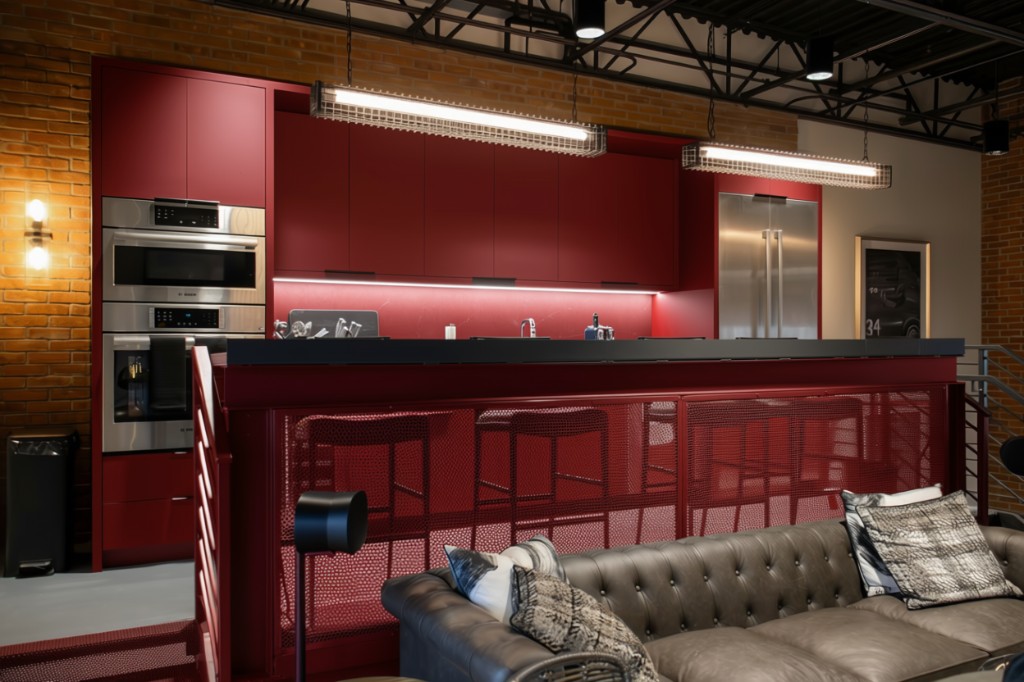
Edit photos with precision
Swap materials instantly
Change cabinetry from dark steel to bold red, swap tile for stone, or test any finish on a real photo.
Pinpoint color changes
Mark up exactly which surfaces to recolor — walls, countertops, fixtures — while keeping everything else untouched.
Refine lighting & atmosphere
Adjust brightness, warmth, and mood to see how different lighting transforms the space.
Render Enhancing
Give low-resolution renders a professional finish in one click. AI post-processing automatically cleans up noise, sharpens fine detail, and enriches textures and colors — no manual work required.
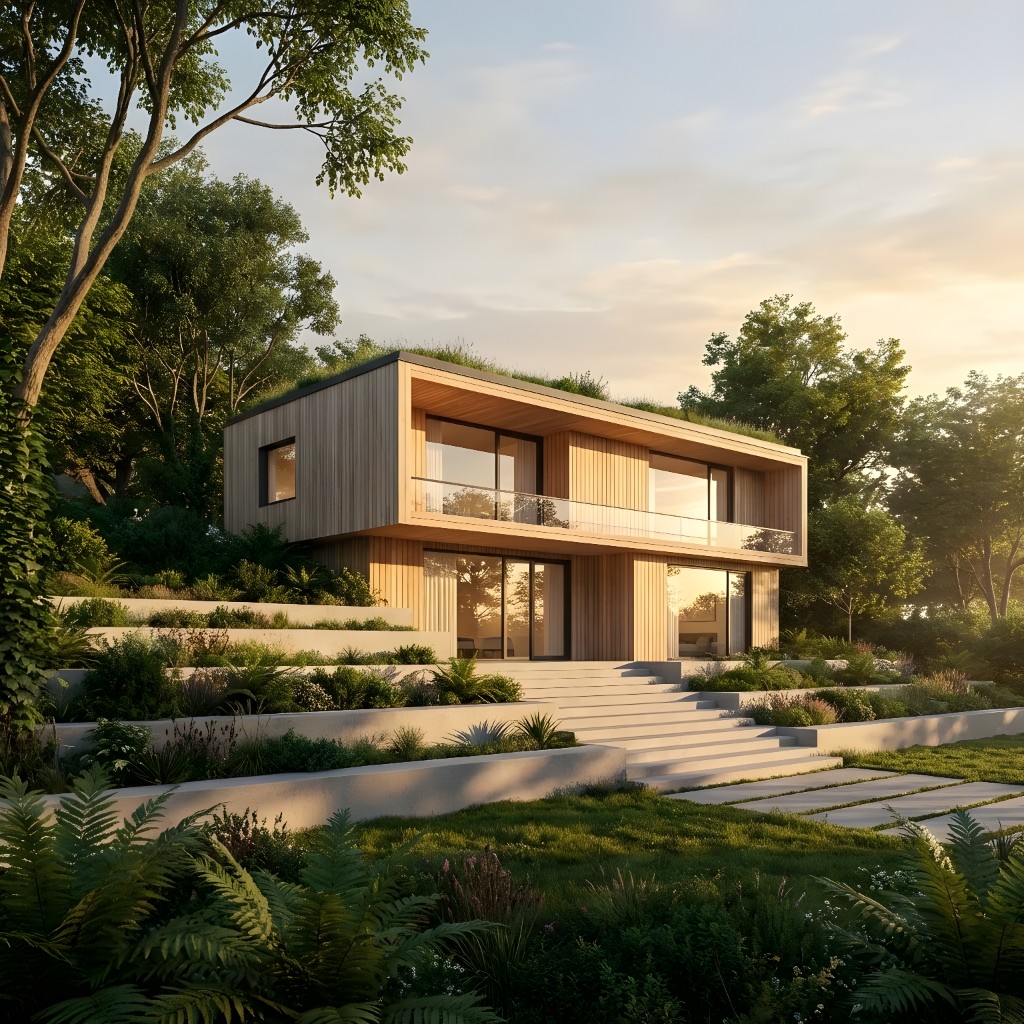
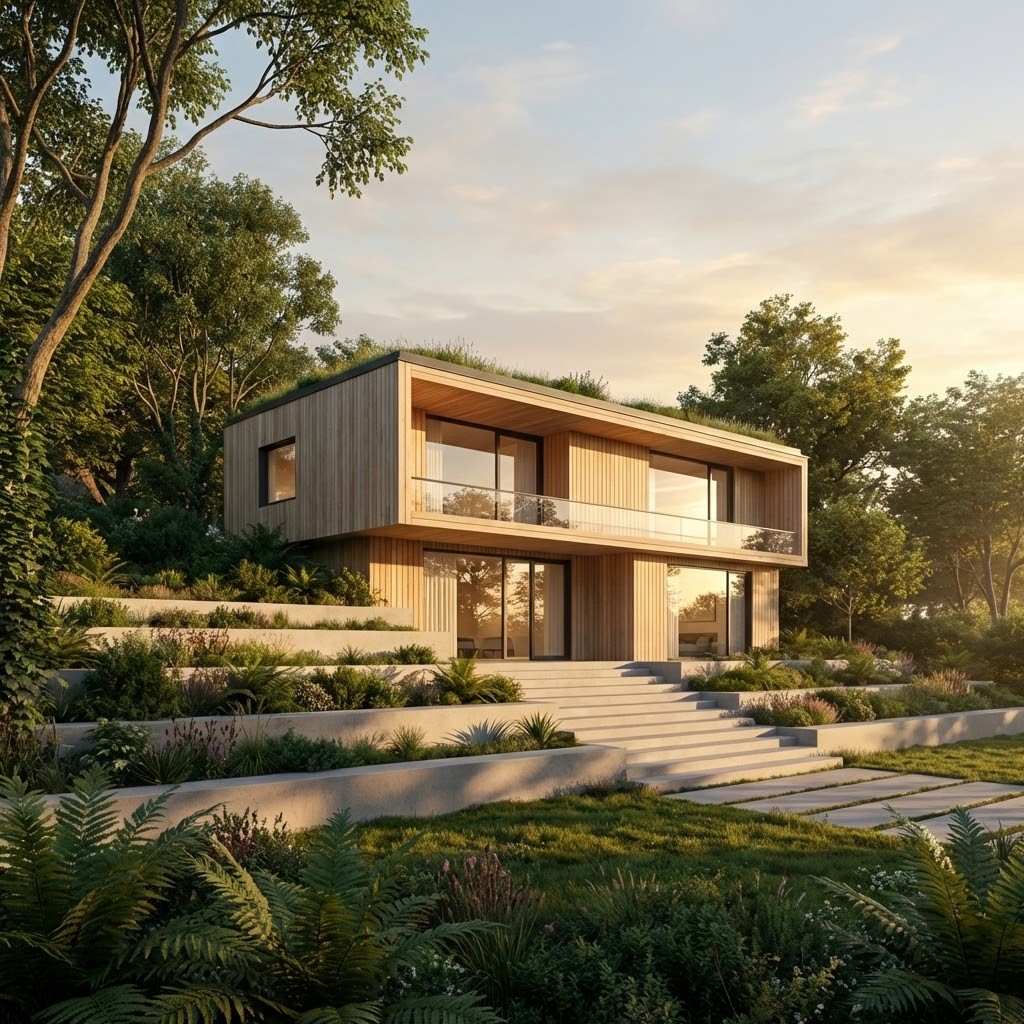
Professional AI Rendering Tools for Architecture & Design Workflows
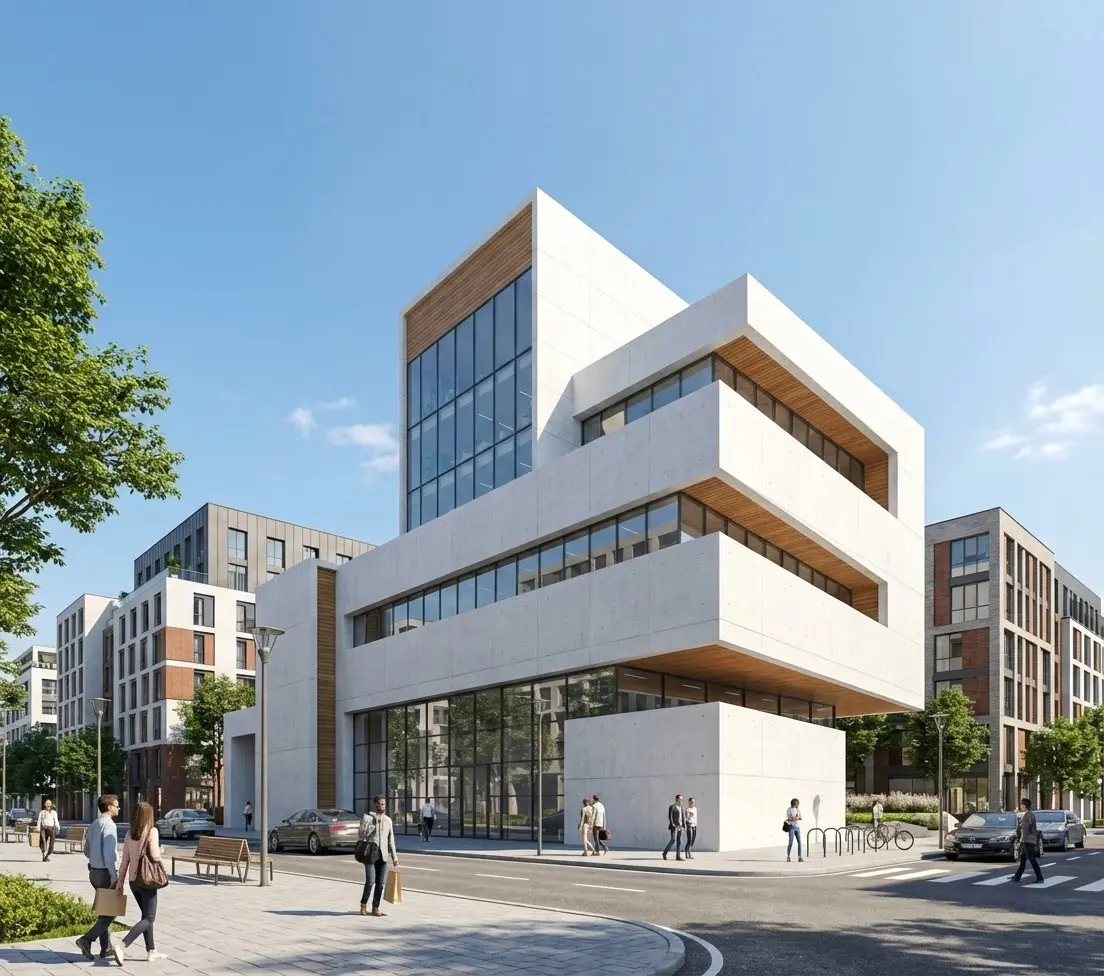
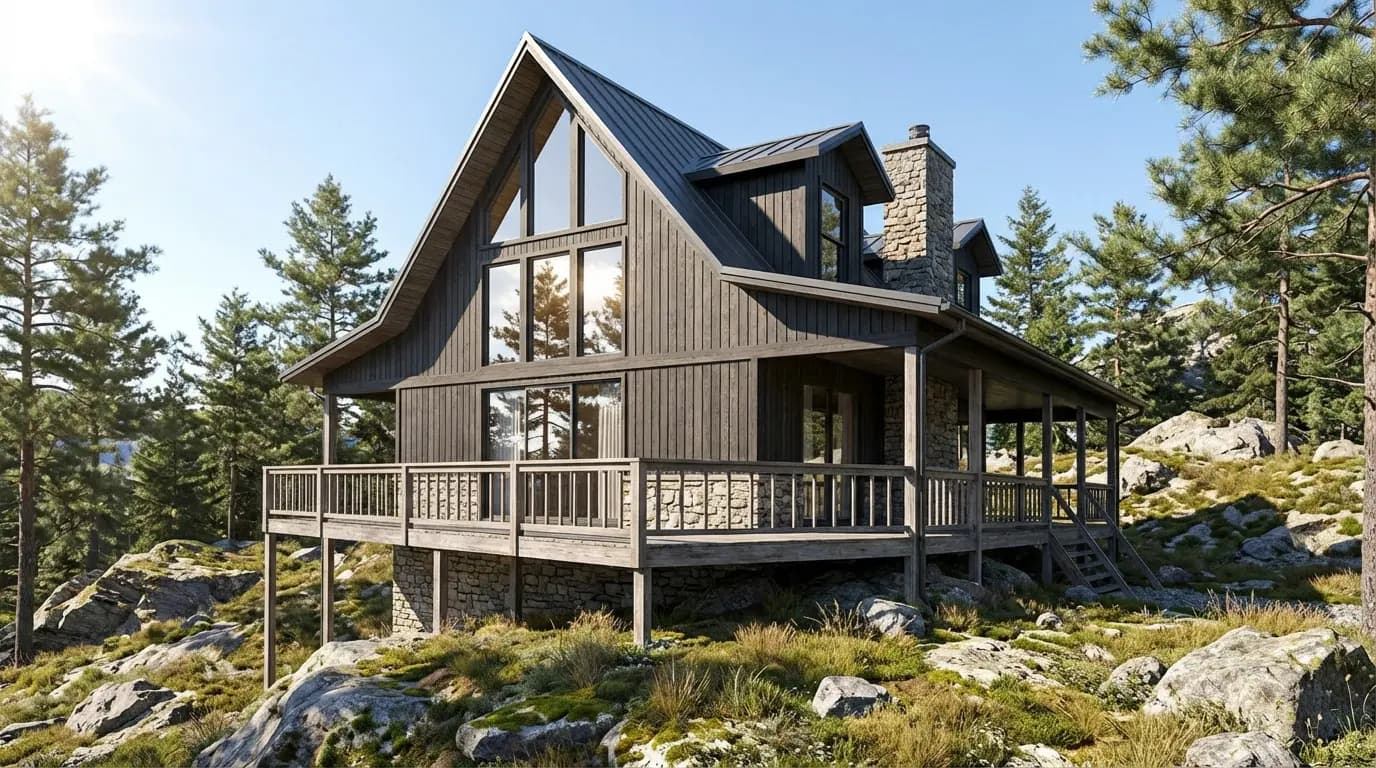
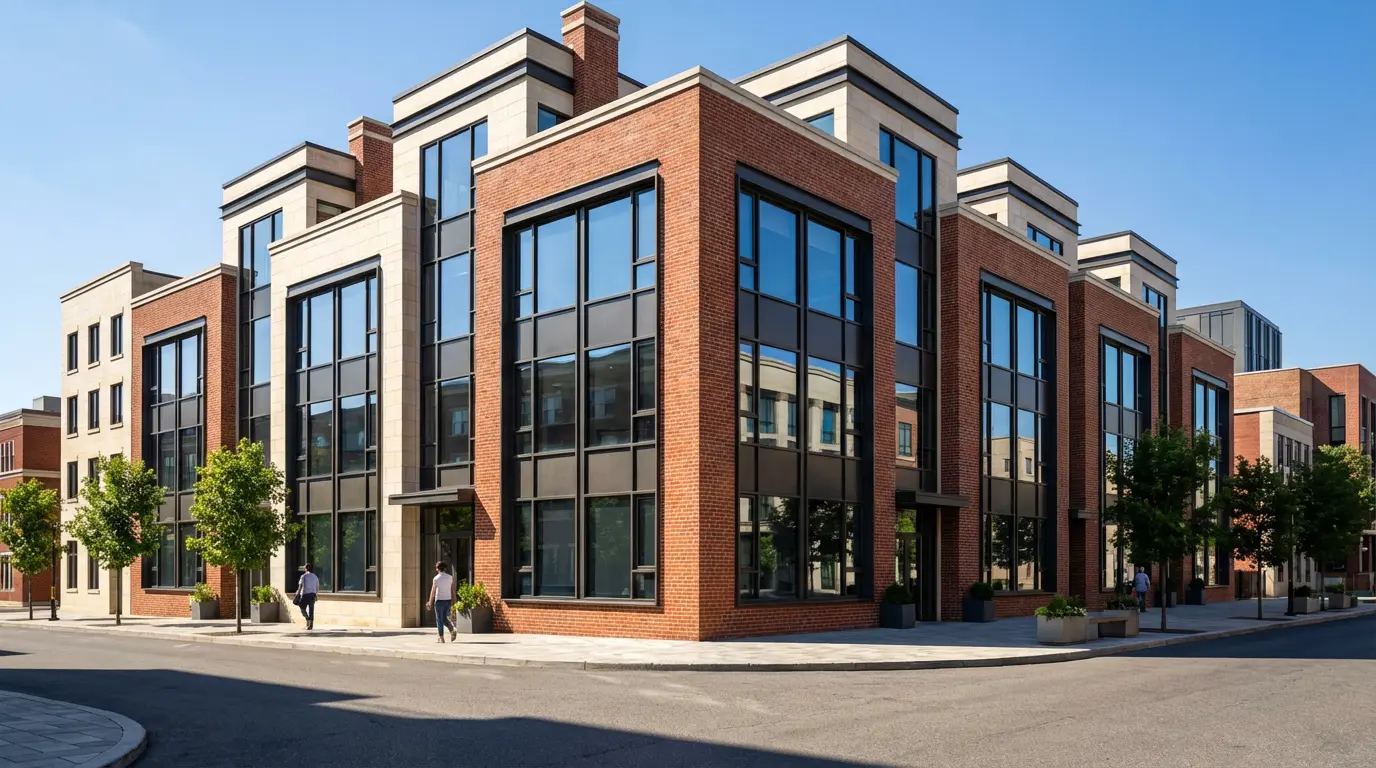
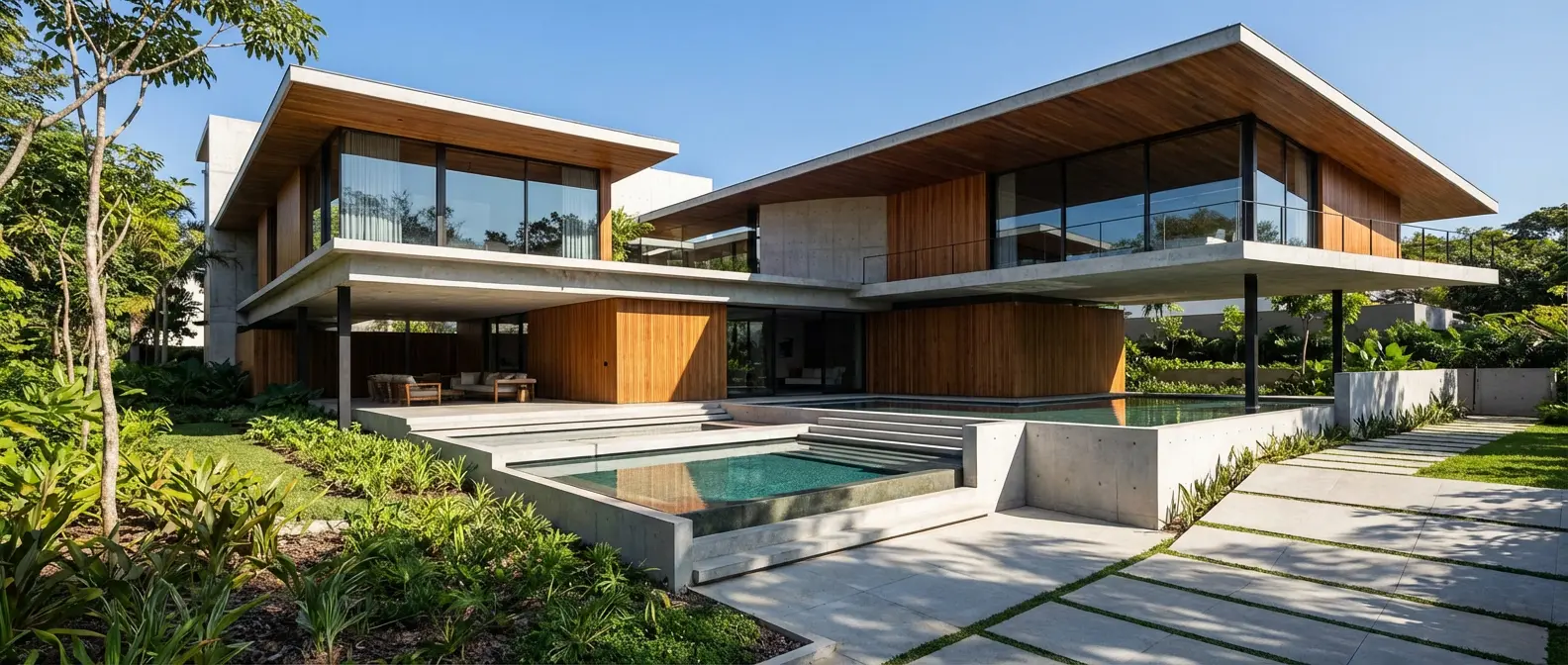
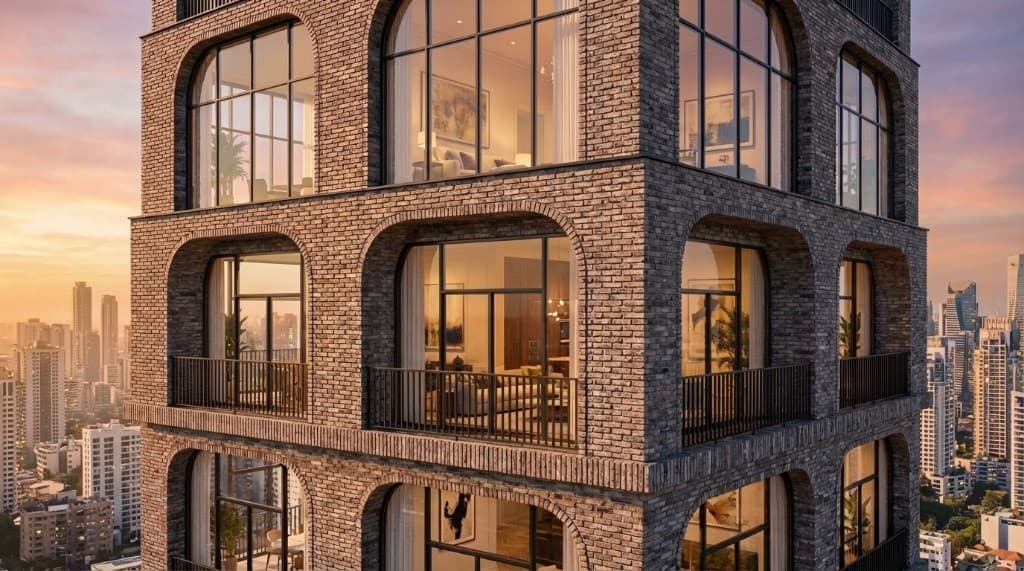
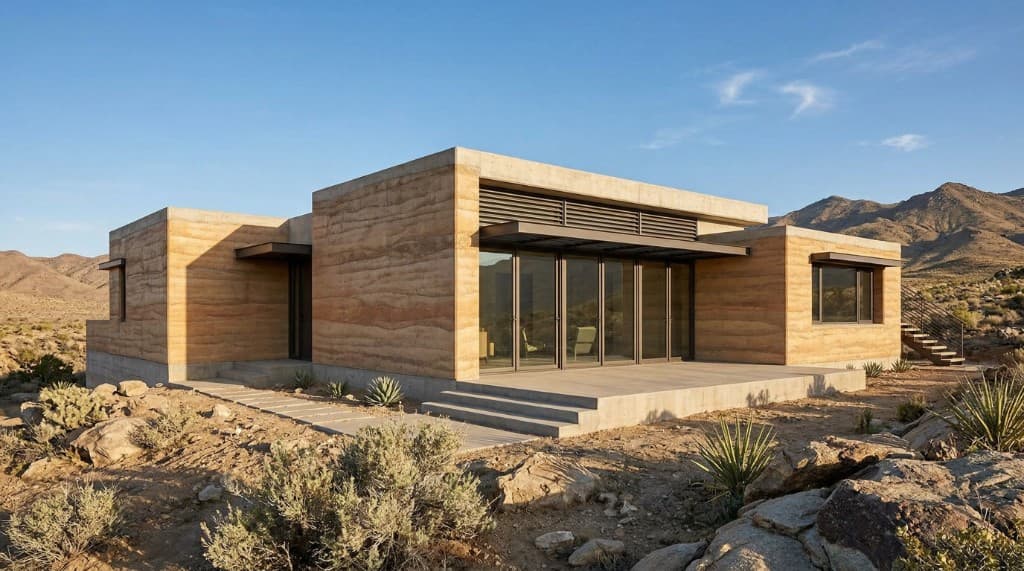
Rendershop AI Architectural Renders
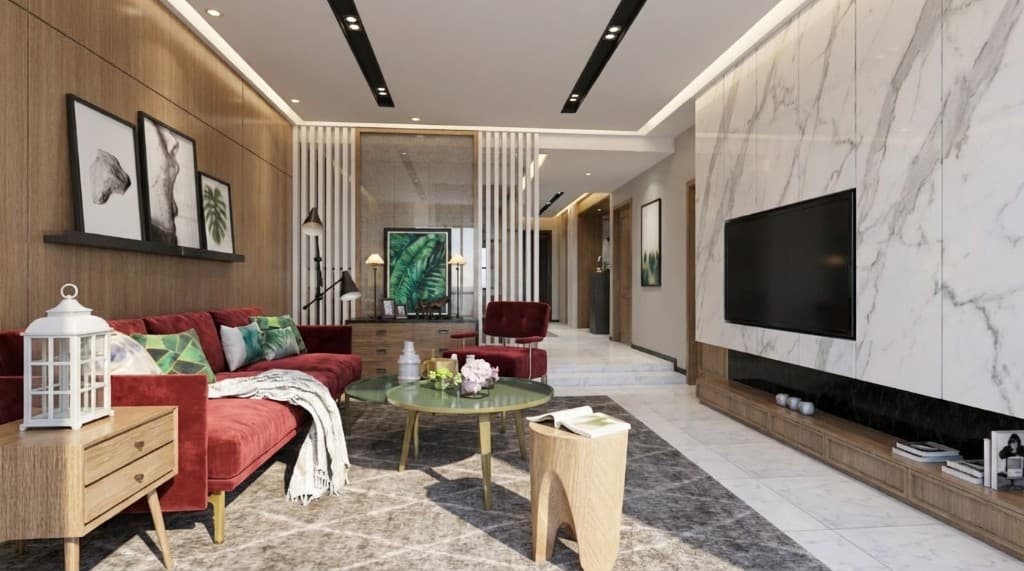
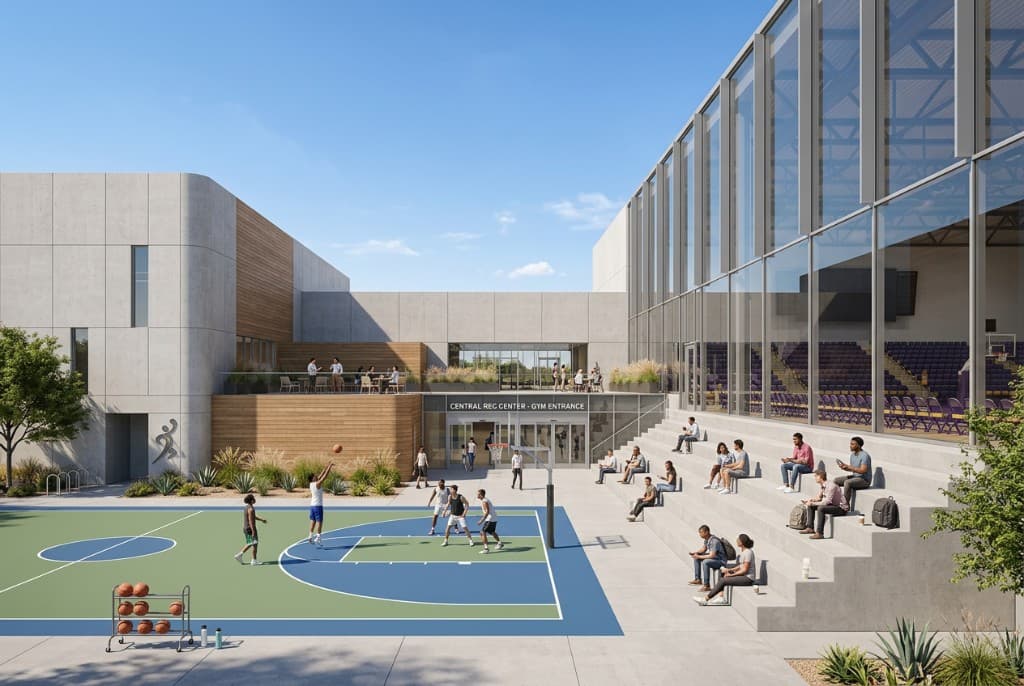
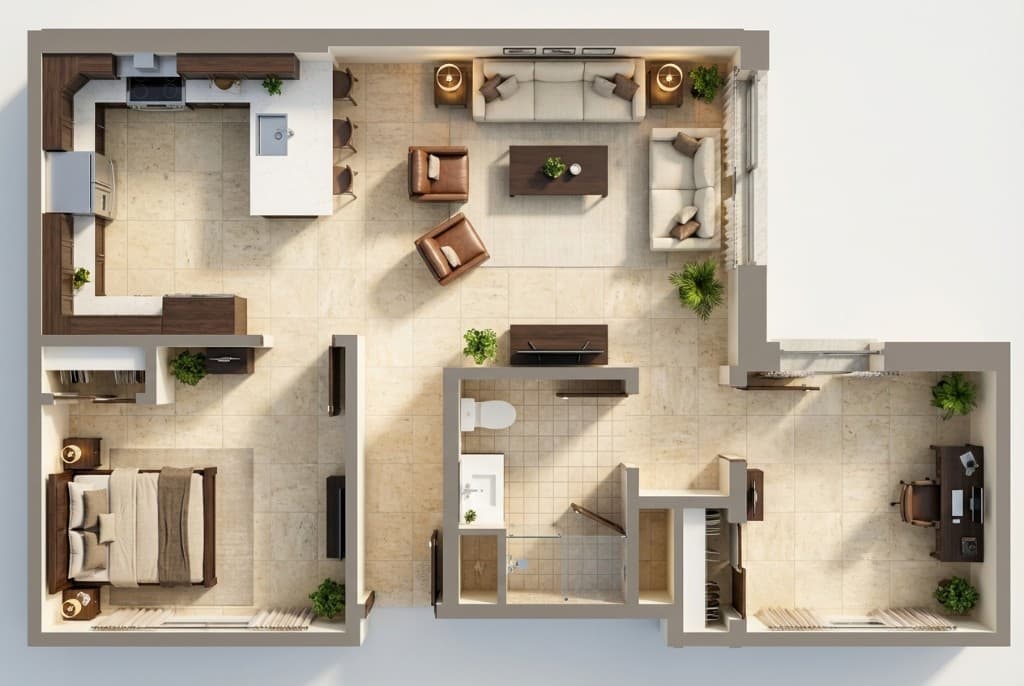
Photorealistic architectural visualizations created by architects and designers using Rendershop's AI rendering platform.
Frequently Asked Questions
Everything you need to know about Rendershop
AI-driven rendering for modern architecture teams
Create a free account—No credit card required.